

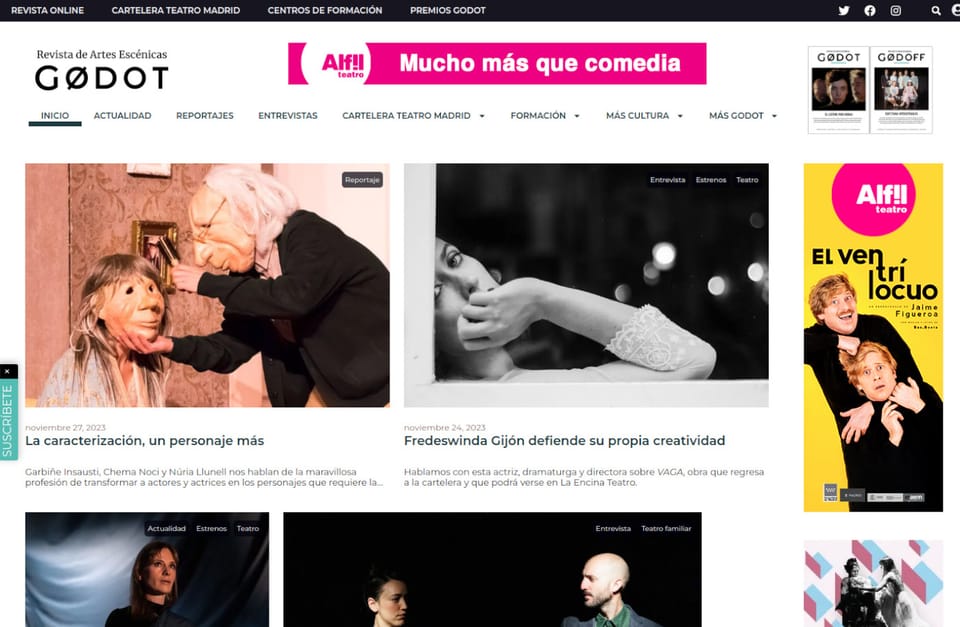
WordPress Migration from OVH to AWS
The Revista GODOT website used to go down every day. Now it doesn't go down, and it costs 30% less.
30 % in server savings, with better performance than before
Custom software
You have a system that works, but nobody wants to touch it. Maintaining it costs more every time, and changing it is a risk. We modernise it in stages: the current system keeps running while the new one gradually replaces it.
What it does, what it depends on, how much it is used and what security measures it needs. Which parts stand to gain most from the change.
What is migrated first, in what order, and how the old and new systems coexist.
Each migrated part keeps working, with its database adapted and monitored.
Diagrams of the before and after, and a user manual. Also a handover session for your team or whoever will maintain the system.
Before touching anything, we analyse the system as it is: what it does, what it depends on, how many people use it and where it stores its data. We also identify which parts cause the most problems. From that comes a plan in stages: what changes first and why.
We don’t rewrite it all at once. We move one part at a time, for example invoicing or customer access, and launch it alongside the old system. The old one keeps doing whatever has not yet been migrated. When the last part is migrated, the old system is switched off without anyone noticing.
Every new part is built with up-to-date security measures: who can get in and what they can do, access keys stored where they should be, and a log of who did what and when. You only pay for what is used, and we alert you if spending rises. Every new part comes with monitoring.
Someone from outside may review your software, and you may know it wouldn’t pass that review today. Renewing it in stages lets you fix first what that review is going to look at. And if you sell to the public administration, its security rules also apply. We explain this on our Custom software page, in the section «If your client or the law asks for more».
Each part we move is converted to serverless functions on AWS, Amazon’s infrastructure. You pay only when it runs, and there is no server switched on permanently. We use languages with official support on Lambda, such as Node.js, Python, Java or Go. If your software is in PHP, it can be kept with a custom support component (a custom runtime) that must be maintained separately. This costs more; we explain it and you decide. Data goes to PostgreSQL (Aurora) or DynamoDB, depending on the case. Every new part comes with monitoring and alerts if spending rises. The code, the server definitions for where it is hosted (infrastructure templates) and the documentation are delivered to your repository. This is where the code is stored with its full history, and it belongs to you.
A system developed years ago that is still in use and that nobody knows well anymore. In the industry it is called a legacy system.
Parts of the software not developed by your supplier, but by third parties, on which your software depends. If one has a security flaw, so does your software.
Whoever developed a component keeps fixing its bugs and publishing security updates. Without support, every flaw is left unfixed.
A flaw that could allow someone to access or see what they shouldn't.
You only pay when the system is working. There is no server switched on permanently.
Being able to return to the previous state if something goes wrong, without losing data.
What can go wrong and how we prevent it.
The current system keeps running until the last part is migrated. Every step can be undone.
Each part is rebuilt with up-to-date security measures: access control, well-guarded keys and third-party components reviewed.
Staged deliveries, each one closed off. Each leaves the system better, even if the project stops.
The migration is rehearsed on copies, tested and has a planned rollback.
The Revista GODOT website used to go down every day. Now it doesn't go down, and it costs 30% less.
30 % in server savings, with better performance than before
It depends on the size of the system and its internal complexity. After the review, we give you a staged plan with timelines. The first part is usually the one that solves the most problems.
Yours. The code and documentation are in your name, in the place where your code is stored with its full history.
First, a meeting. Then we send you the quote for the review. With the staged plan, we give you a fixed price for each part.
Not always. If the current language is supported by the tools we use, it is kept. If not, we propose another and explain the cost of each option.